A little lighter. A lot clearer.
Your databases.
A clearer view.
A lightweight desktop workspace for PostgreSQL, MySQL, and SQLite. Explore your data, write SQL, and get back to building.
Free & open source · macOS, Windows & Linux
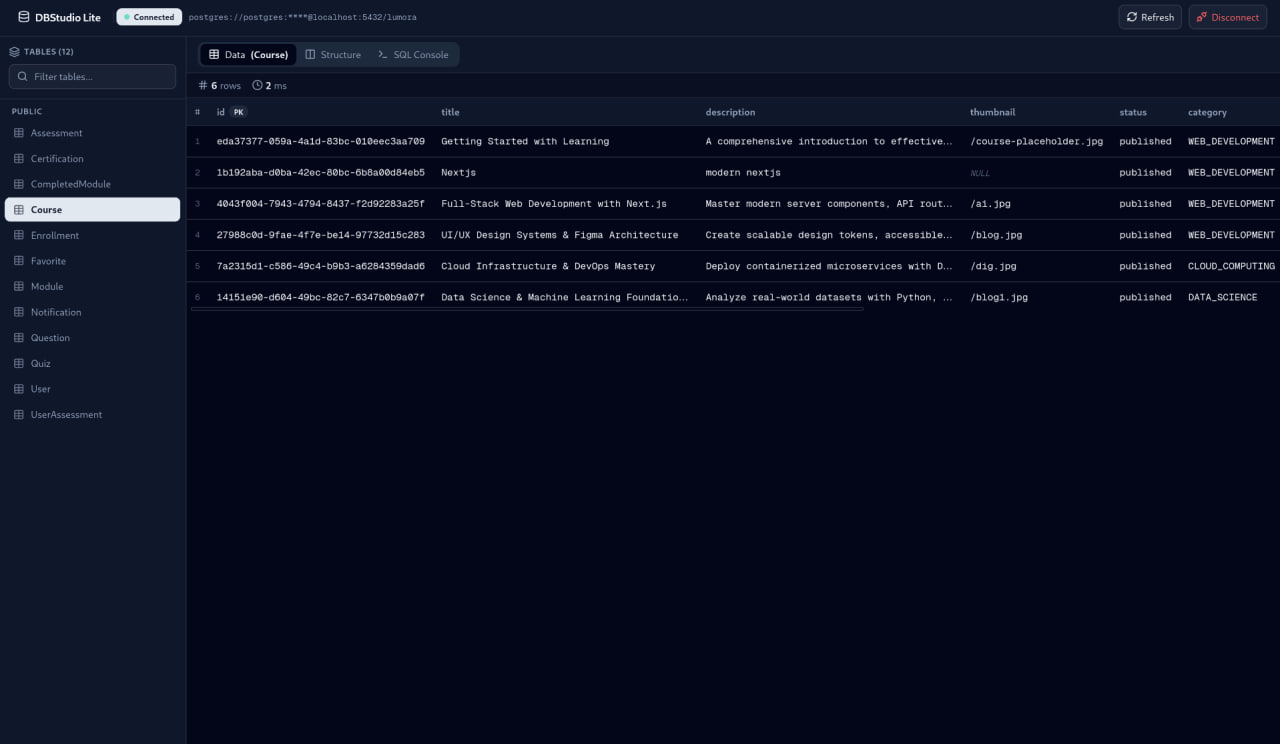
Less digging. More understanding.
Browse tables, inspect rows, and make sense of your data in one focused view.
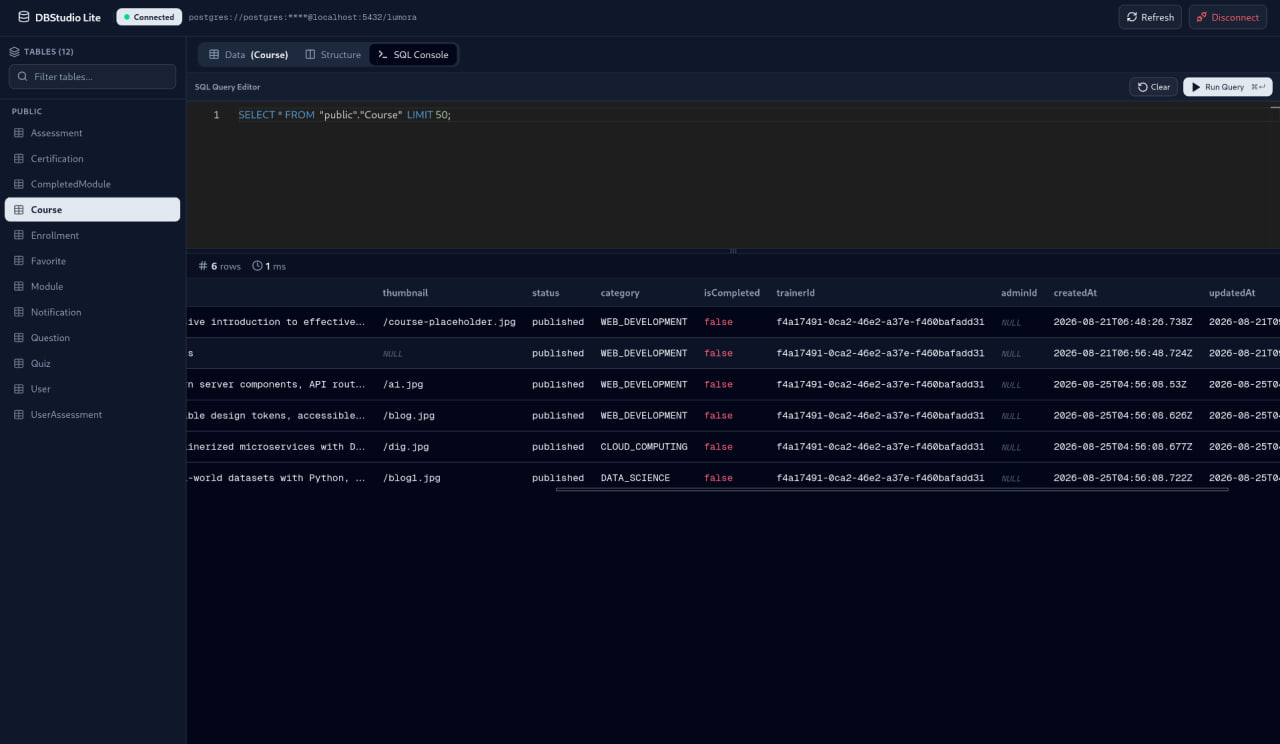
From a question to a query.
A familiar Monaco editor, SQL highlighting, and query results right beside your work.
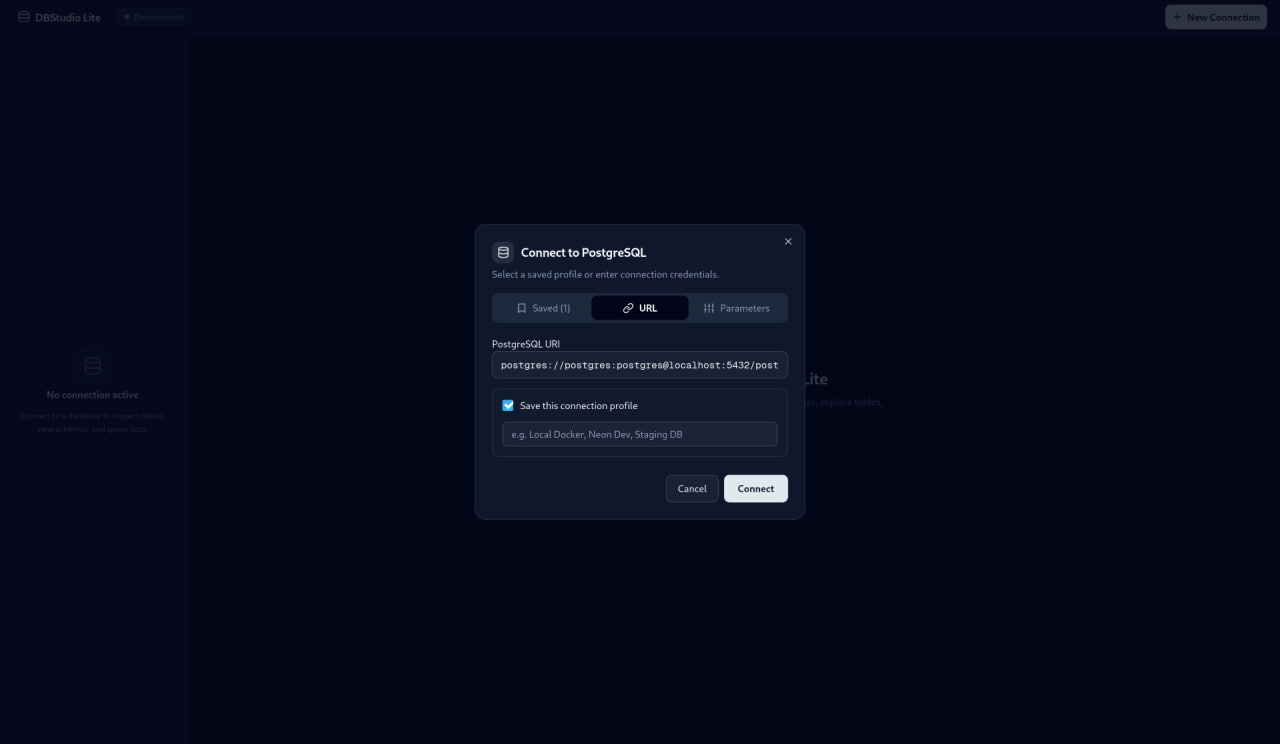
Your next connection, made simple.
Use a connection URI or enter your database details, then save a profile for next time.
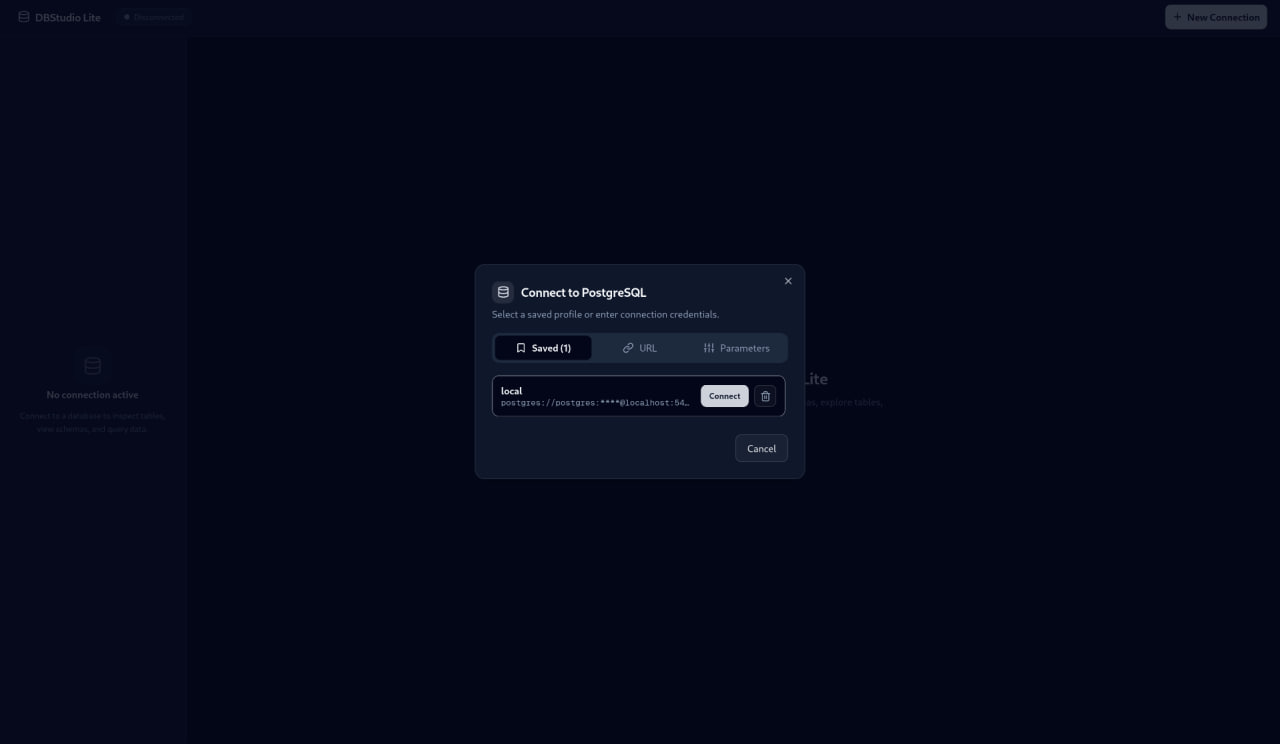
Pick up where you left off.
Keep connection profiles on your machine and reconnect without entering everything again.
Three databases.
One familiar workspace.
Stay in your flow.
Stay close to your data.
The tools you reach for every day,
without a workspace full of distractions.
A proper editor.
Right where you need it.
Write SQL with Monaco—the editor behind VS Code. Syntax highlighting, autocomplete, and a resizable results view come built in.
query.sqlExample query
SELECT name, email
FROM customers
WHERE status = 'active'
ORDER BY created_at DESC;
See how it all connects.
Explore tables by schema. Inspect column types, defaults, and primary keys without jumping between tools.
Example column
Your connections. Kept local.
Save profiles on your own machine with restricted file permissions. Your next session starts with a connection, not a setup form.
Stored on your deviceSmall app. Open book.
Built with Go and your system’s native webview. Free to use, with the source right there to explore.
DBStudio Lite / v0.1.0
Make room for
a little clarity.
Your databases are already complex.
Working with them doesn’t have to be.
Free & open source. Ready for your desktop.